How to Do a Technical SEO Audit for a Lovable or Bolt Site

A founder launches a product built on Lovable, shares the link in a few founder communities, and runs Semrush against the live site the same night. The report comes back with roughly 150 flagged "issues." Three months later, that founder has fixed nearly every item on the list and is still typing the company name into Google at midnight, finding nothing on page one, two, or three. A different founder, running the exact same tool against a different site the same week, gets a nearly identical report — and ranks on page one within the quarter. The gap isn't effort. It's that one list was never sorted by what a search engine actually needs to crawl and index a page, and the other one was.
That second site is the one most founders are building right now. You shipped a prototype on Lovable or Bolt, it looks sharp, and you assumed the rest would follow. Three months later, you're still searching your own business name and finding nothing. You know "SEO" is the word for this problem. You don't know which of the 150 flagged issues is actually the reason you're invisible — because most of them aren't.
What a Technical SEO Audit Actually Checks
A technical SEO audit has one job: confirm that a search engine can reach your pages, understand them, and serve them fast enough to keep a visitor around. That's it. Everything else — alt text wording, heading hierarchy debates, keyword density — is cosmetic polish that affects conversion, not visibility. That distinction matters more now that so much of a site's code and content ships from automated builders rather than a developer's hand Mckinsey.
Scope the audit to three questions. Can Google's crawler find every page you want ranked? Once found, is the page allowed to be indexed, and is it clear which version is canonical? And once indexed, does it load fast enough on a phone that a user doesn't bounce before it renders?
Crawlability, indexability, speed. Tools like Screaming Frog or Ahrefs' Site Audit will happily generate a report with 200 flagged items, and most sites — including ones ranking well — carry dozens of them permanently. A missing meta description on a low-traffic page is not why you're invisible. A robots.txt file blocking your entire /app/ directory is. Learning to tell those apart is the actual skill behind knowing how to do a technical SEO audit; the crawl itself is the easy part.
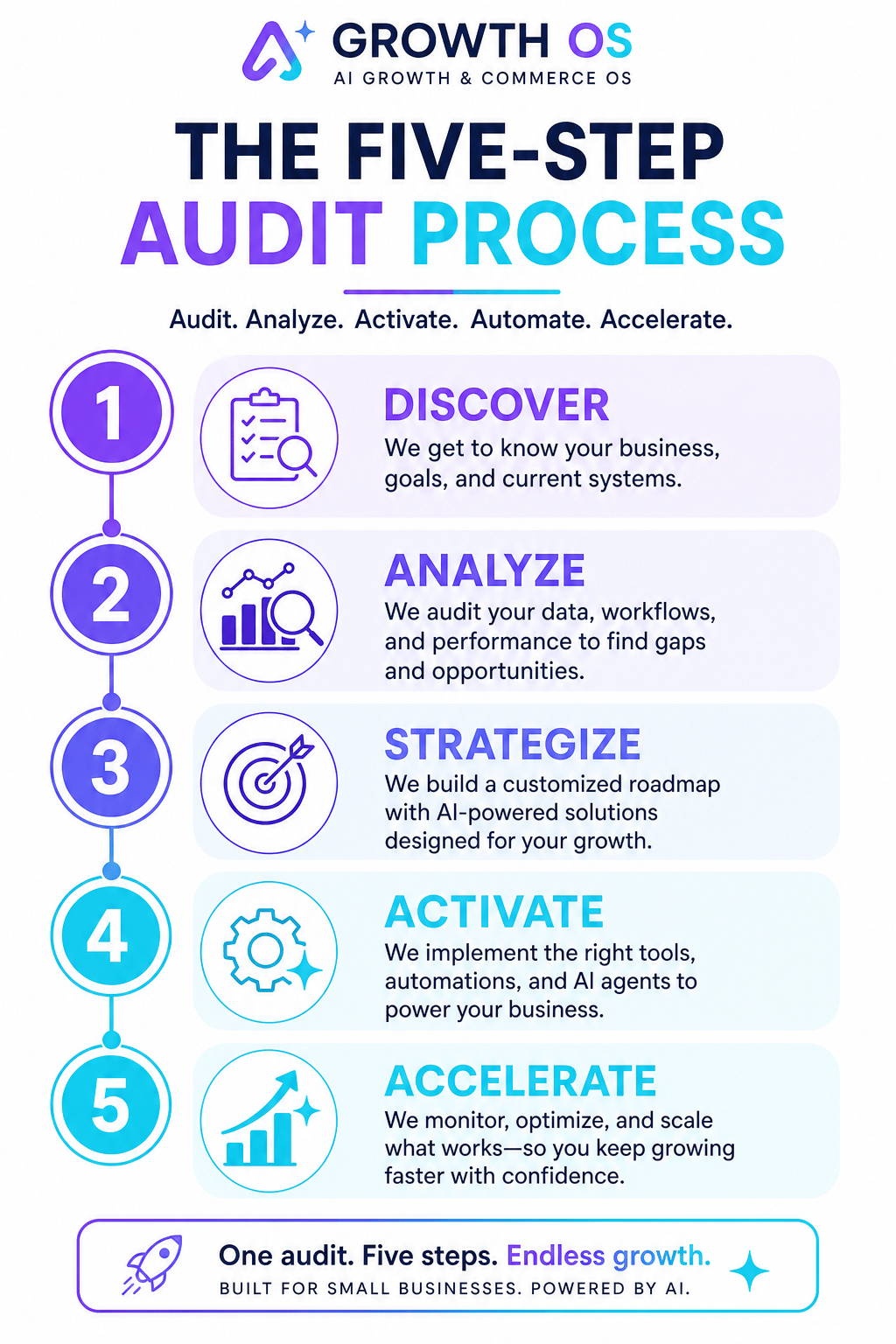
The Five-Step Audit Process
Run these in order. Each step either confirms the last one or surfaces the next problem.
1. Crawl the site like a search engine would. Use Screaming Frog, Sitebulb, or the crawl feature in Ahrefs/Semrush. Point it at your live domain, not staging. Look for response codes first — any 4xx or 5xx on pages you want indexed is a hard stop.
2. Check robots.txt and your XML sitemap. Visit yourdomain.com/robots.txt directly. Confirm it isn't disallowing the paths your product pages live under — a common default left over from a staging environment. Then open your sitemap.xml and confirm it lists real, live URLs, not placeholder routes from the build template.
3. Test Core Web Vitals. Run PageSpeed Insights or the Core Web Vitals report in Google Search Console. You're checking Largest Contentful Paint and Interaction to Next Paint on mobile specifically, since that's the dataset Google uses for ranking signals.
4. Verify mobile-friendliness. Search Console's mobile usability report will flag text too small to read or elements that overlap. Fix these before touching anything else — a majority of search traffic now arrives on mobile, and a broken mobile render undoes every other fix.
5. Audit internal linking. Export your crawl's "orphan pages" report — pages with zero internal links pointing to them. These are frequently invisible to crawlers regardless of how good the content is, because nothing on your site tells the crawler they exist.
What Can Go Wrong on an AI-Built Site
Sites built fast on Lovable or Bolt tend to fail the same five ways. Each has one clean fix.
Unindexed pages. The build template often ships with a stray noindex tag or a robots.txt blanket-blocking generated routes. Check Search Console's Page Indexing report, filter for "Excluded," and remove the directive page by page or at the template level.
Duplicate content. Component-based builders frequently generate near-identical pages at multiple URLs — with and without trailing slashes, with query parameters, across staging subdomains left live. Pick one canonical URL pattern and 301-redirect the rest.
Missing metadata. Many AI site builders don't populate unique title tags or meta descriptions per page by default, so every page ships with the same generic title. Write unique titles for your top 20 pages first; templated defaults for the rest.
Broken canonical tags. A canonical tag pointing to the wrong page — or to a staging URL — tells Google to index the wrong version, or none at all. Audit canonicals against your actual URL list, not against what the template assumed.
Slow pages from heavy JavaScript. Client-rendered frameworks often leave the crawler waiting on scripts before any content appears. Server-side render your critical content, or prerender static HTML for key pages, so there's something to index before JavaScript finishes.
Agentic AI tools are already handling much of the work that used to sit with a developer — generating pages, drafting copy, wiring up components — and that shift is accelerating Mckinsey. The tradeoff is that the scaffolding these tools produce optimizes for shipping fast, not for being found. Technical SEO is the step that reconciles the two.
After the Audit: Prioritize by Impact
A finished audit with 40 flagged issues is not a plan. It's a to-do list with no order, and most founders start at the top and lose momentum by item twelve.
Rank by what blocks indexing first, not by what's easiest to fix. Crawl errors and indexing blocks come first — a page Google can't see doesn't exist, no matter how fast it loads. Indexing issues (duplicates, bad canonicals, missing sitemap entries) come second. Speed and Core Web Vitals come third.
Fixing crawl errors on ten pages beats optimizing Core Web Vitals on a hundred, because the hundred don't matter if none of them are indexed.
This is where most audits go wrong: a tool flags Core Web Vitals in red and founders spend a week shaving 400 milliseconds off load time, while twenty product pages sit blocked by a single robots.txt line nobody checked. Speed work is real, but it's optimization. Crawl
Sources
Have questions or ready to get started?
Get in touch with Tyashin