How to Migrate Lovable to Next.js So Google Can Index Your Site

Zero. That's how many pages Search Console shows indexed for your Lovable site, three months after launch, while a competitor's product page, built with the same layout, the same chatbot bubble in the corner, the same pricing table, sits on page one of Google for the exact search term you want. That's why so many founders end up searching for how to migrate Lovable to Next.js a few months after launch, once the novelty of a finished-looking site wears off and the traffic never arrives.
The gap isn't design quality. It's what actually reaches Google's crawler before the crawl window closes.
Why Lovable Sites Disappear From Google Search Results
A Lovable site, like most apps built with client-rendered React, sends the browser a nearly empty HTML document on first load. The real content, your headlines, product copy, blog posts, all of it, gets built in the browser afterward by JavaScript. A human visitor never notices the delay. It happens in milliseconds.
Googlebot works differently. It fetches the initial HTML, and if there isn't enough there to understand what the page is about, it queues the page for a second pass where it actually executes the JavaScript. That second pass is not guaranteed, not immediate, and not unlimited. Pages that depend entirely on client-side rendering often sit in that queue indefinitely, or get rendered so late that Google decides there's nothing worth indexing. The result is exactly what you're seeing: a polished site with a Search Console report full of zeros.
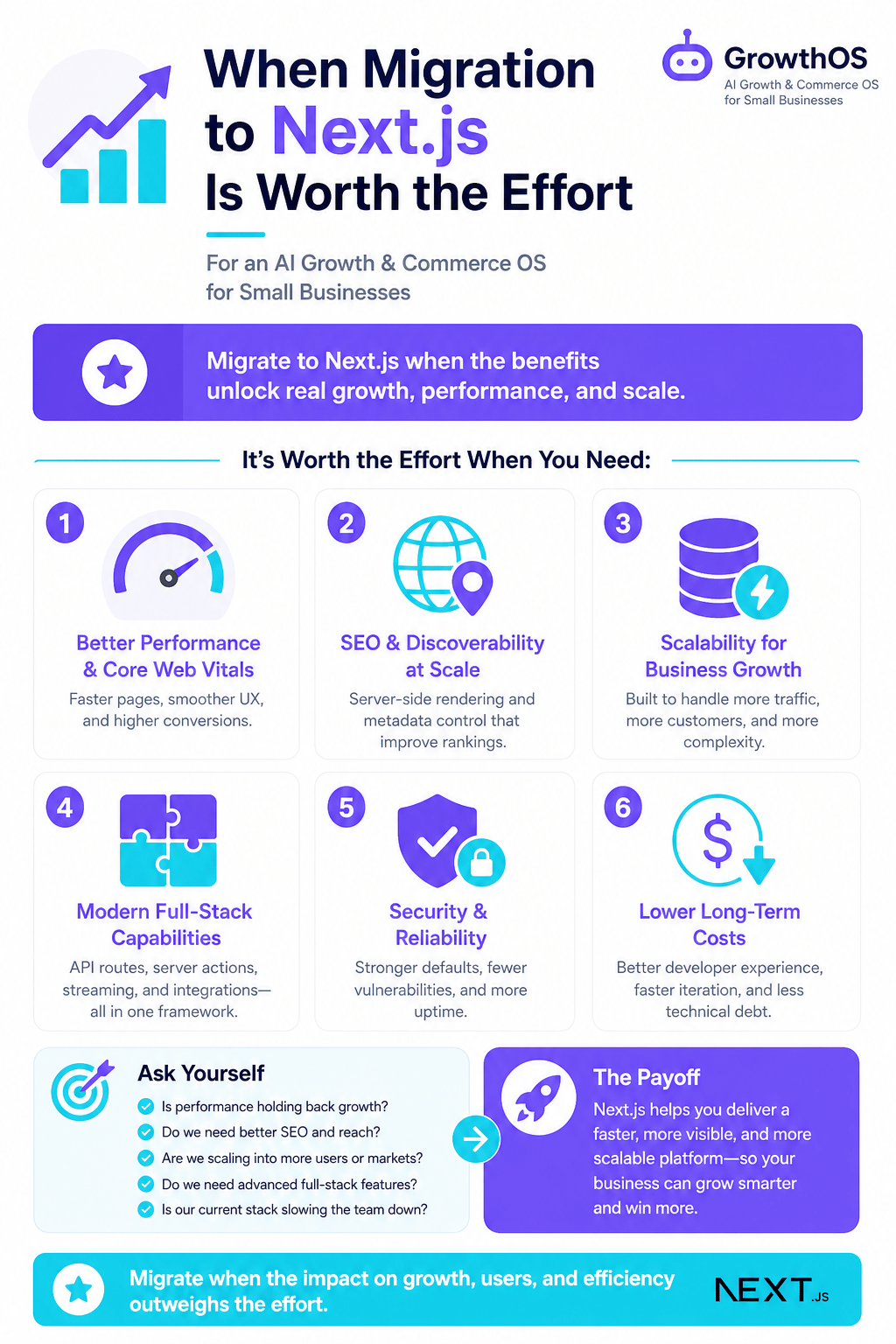
When Migration to Next.js Is Worth the Effort
Not every Lovable project needs a full framework migration. If your product is mostly a logged-in app with a handful of marketing pages, and those pages already look correct when you check them with URL Inspection in Search Console, pre-rendering those specific pages may be enough.
Migration earns its cost when you actually need content pages indexed at scale, when you want to verify what AI crawlers and answer engines are receiving from your site, or when you plan to host somewhere other than Lovable's own infrastructure Okara. If you're not sure which camp you're in, a technical SEO audit for a Lovable site will tell you exactly what Google currently sees, before you commit to rebuilding anything.
The Step-by-Step Path to Migrate Lovable to Next.js
The migration doesn't mean starting over. It means moving the same components into a framework that renders them on the server first.
Export your project. Lovable lets you push your codebase to GitHub, which gives you a real repository to work from instead of a black box.
Scaffold a Next.js instance. Set up a new Next.js app and bring your existing components, styles, and routes across. Most of your React code ports with minor adjustments, not a rewrite.
Port the design, not just the markup. Tyashin can bring or port your site built in Lovable, Bolt, or plain React, so your component library, Tailwind classes, and layout logic move over instead of getting rebuilt from scratch Tyashin.
Rebuild the data layer for server rendering. Anything that currently fetches on the client (product data, blog content, pricing) needs to move into getServerSideProps, getStaticProps, or the App Router's server components, so it's present in the HTML Google receives on first request.
If your prototype was never meant to carry real traffic in the first place, this is also the point where it's worth reading about turning a prototype into a sales-ready website, since the migration and the readiness work tend to happen together.
Preserving Your Lovable Design and Functionality in Next.js
The part founders worry about most is losing the thing that made the prototype feel finished: the animations, the chatbot, the micro-interactions that took real iteration to get right.
None of that depends on client-side rendering. Server-rendered HTML arrives first, and your JavaScript still hydrates on top of it exactly as before. The chatbot still opens the same way. The hover states still work. What changes is the order of operations: Google gets the complete document immediately, and the browser still gets its interactive layer a moment later.
Where teams actually lose functionality is in the rebuild itself, missing a redirect, dropping a meta tag, forgetting a structured data block that Lovable's own builder had quietly handled. A guide on keeping search visibility through a technical rebuild walks through the checklist so nothing gets dropped in transit. Once the site is rebuilt, Tyashin can run blog publishing and SEO maintenance on top of the new Next.js instance, so the content side doesn't need manual upkeep every week.
Testing Indexation After Migration
Migration is only successful if Google can prove it. Don't take the deploy as the finish line.
Start in Search Console: submit your updated sitemap, then use URL Inspection on your five or six most important pages and request indexing manually rather than waiting for the crawl to happen on its own. Check the "Page indexing" report over the following two weeks; you're looking for each page to move into the "Indexed" group, and for URL Inspection to report "URL is on Google".
Outside of Search Console, view-source on a live URL and confirm your headline, body copy, and key metadata appear in the raw HTML, not just in the rendered DOM. If you can read your content with JavaScript disabled, Google almost certainly can too.
Once that's confirmed, the fastest way to keep it that way is to stop treating indexation as a one-time fix. Start your migration by exporting your Lovable project to GitHub, then set up a Next.js instance with Tyashin to handle blog and SEO automation as you build.
Have questions or ready to get started?
Get in touch with Tyashin